
Telegram Mini Apps for Creators: What They Can Do
· 4 min read · 18+ readers

A Mini App is a web app that opens inside  Telegram, like a small website that feels native. If you want the definition first, read what are Telegram Mini Apps. This guide is about how creators can use them, what is realistic for a small team and what to watch out for. Adults 18+, safe-for-work examples, and no promises about results.
Why a Mini App instead of a website
- Login with one tap. Telegram passes the user's identity to your app securely, so people do not need a new password.
- Opens in place. Fans stay in Telegram.
- Design control. You are not limited to chat messages and buttons.
- Payments. Digital items can be sold with Telegram Stars inside the app.
- Shareable. You can link people straight into a particular screen.
What creators build
Link and profile pages
A page that holds your links, a short bio and a button that opens a chat with you. Like a link in bio tool, but inside Telegram. See link in bio tools.
Members areas
A place where supporters see posts, downloads or schedules, with access checked against payment.
Shops
A catalogue of digital items with Stars checkout. Physical goods are generally outside Telegram's digital goods rules, so check the current developer terms.
Games and interactive experiences
Quizzes, polls, mini games and challenges can keep communities active.
Tools
Calculators, schedulers or booking forms for coaching and service creators.
How a Mini App gets launched
Users can open a Mini App from:
- A menu button on your bot.
- A button in a message or a link such as
t.me/yourbot/app. - An inline mode result or an attachment menu entry for some bots.
- A channel post that links to the app.
You register and configure it with BotFather. See how to create a Telegram bot.
Building: your options
- No-code builders: several tools create Mini Apps from templates.
- A web developer: a Mini App is a website using Telegram's JavaScript library, so many web developers can build one.
- Use an existing platform: directories and social apps built as Mini Apps, such as
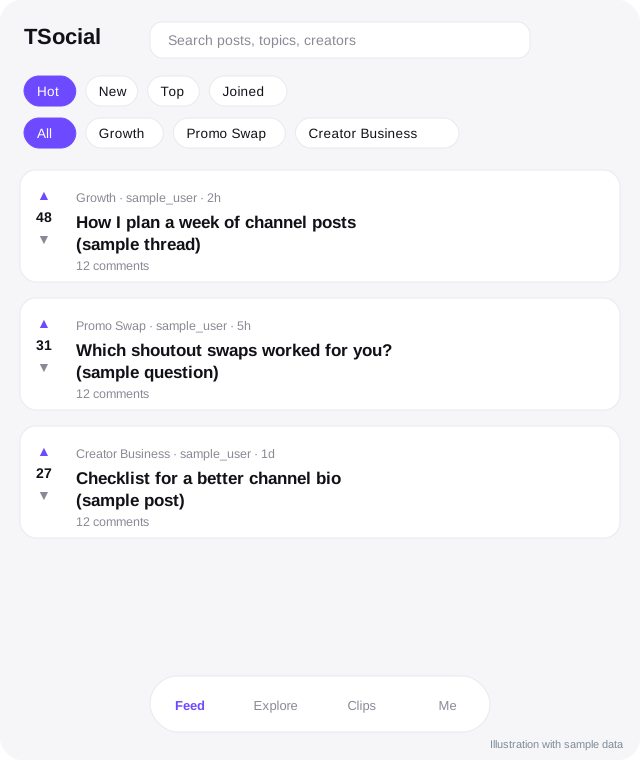
 TSocial, let creators list a profile without building their own.
Security basics
Telegram gives your app signed data about the user. Your server must verify that data before trusting it. Never trust information that comes from the browser alone. Do not store more data than you need and follow privacy laws in your area.
Design for phones
- Make buttons big and text readable.
- Use Telegram's theme colours so the app matches light and dark modes.
- Keep pages fast: compress images and avoid heavy scripts.
- Respect safe areas on devices with notches.
- Test on older phones.
Rules to check
Telegram has terms for Mini Apps, including rules about content, payments for digital goods and user data. Read the current developer documentation. Public pages should be safe for work, and adult-oriented material needs extra care.
Getting started in a weekend
- Pick one purpose, such as a link page.
- Sketch three screens on paper.
- Choose a builder or a developer.
- Connect it to a bot menu button.
- Test with five friends.
- Share with your audience and collect feedback.
Quick checklist
- One clear purpose for the first version.
- Telegram sign-in data verified on your server.
- Large buttons and readable text on small screens.
- Light and dark themes both tested.
- Fast loading, with small images.
- Payments for digital items tested with a second account.
- Public pages safe for work and marked 18+ where relevant.
- A way to reach a person from inside the app.
What to build first
Resist the urge to build a full platform. A first Mini App can be a single page: your photo, a sentence about you, three buttons and a way to message you. Launch it, watch how people use it for a month and only then add a second screen. Most failed apps tried to do everything at once. Most useful ones started tiny, solved one problem and grew because people asked for the next feature. If you hire a developer, ask for a version you can show fans within two weeks, even if it is plain.
Frequently asked questions
Do fans need to install anything?
No. A Mini App opens in Telegram.
Can a Mini App work outside Telegram?
It is a website, so it can, but features that rely on Telegram data need Telegram.
Is it expensive to build?
It depends on complexity. A simple page is cheap. A full shop or members area costs more.
Can I sell physical goods?
Telegram's rules treat digital and physical goods differently. Check the current developer terms.
Related guides
What Are Telegram Mini Apps and How to Use Them
Telegram Mini Apps are web apps that run inside Telegram. Learn what they are, how to open one, what they are used for and how to find the good ones.
How to Create a Telegram Bot with BotFather
Step by step: make a Telegram bot with BotFather, set its name, photo and commands, keep the token safe and decide whether to code it or use a tool.
Telegram Bots for Creators: 8 Useful Jobs a Bot Can Do
What a Telegram bot can do for a creator: welcome menus, FAQs, link delivery, polls, giveaways, payments with Stars and moderation, with safety tips.
Telegram Stars for Creators: The Complete Guide
How creators use Telegram Stars: what they are, ways to earn with bots, paid media and subscriptions, fees to check, payouts and mistakes to avoid.
Link in Bio Tools for Telegram Creators
What a link in bio page is, what to put on it, how to choose between tools, track clicks and keep your Telegram link front and centre.
AI Chat Companions on Telegram: What They Are and How to Judge Them
An explainer on AI companions and chat characters on Telegram: how they work, creator clones versus fictional characters, safety, privacy and red flags.
More in Bots, automation and AI
- AI Clone Safety and Disclosure: A Creator Checklist
- Automating Welcome and Follow-Up Messages on Telegram
- How Chat Bots and Auto-Reply Work on Telegram
- How to Find Good Telegram Bots (and Avoid Bad Ones)
All topics: Bots, automation and AI · Guide index · Explore Telegram · About TSocial